

Tips for Healthy Weight Loss
September 13, 2026
.webp)

Sitting at a desk for eight hours a day often leaves your neck stiff and your lower back throbbing. Setting up an ergonomic workspace takes physical pressure off your spine so you can work without pain and be more present after work is done. Making smart adjustments to your desk and work area and getting routine chiropractic adjustments can help you stay comfortable all day long.
Your chair determines how your spine rests while you work. Look for a seat that supports your lower back and keeps your hips level with your knees.
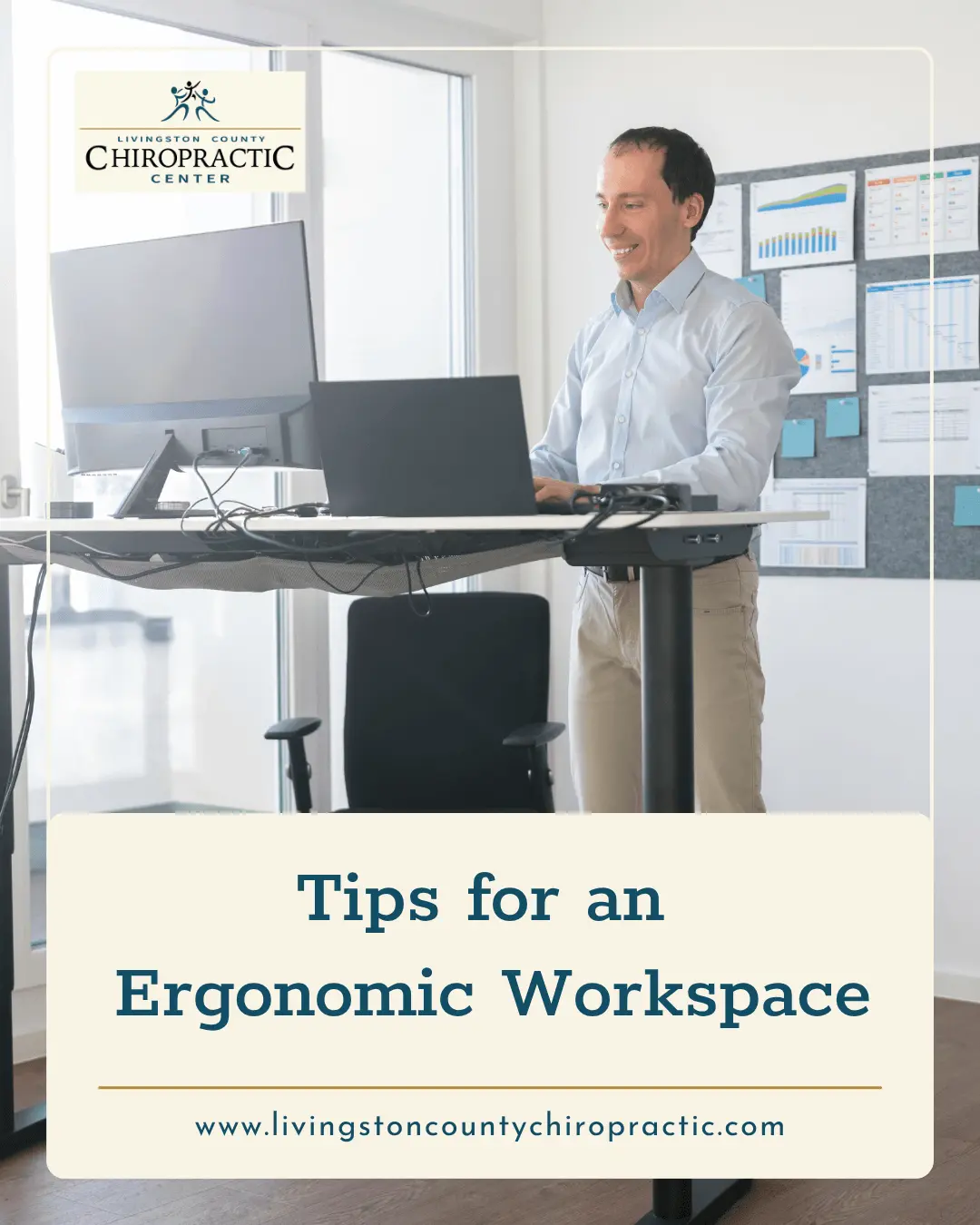
Switching between sitting and standing throughout the day keeps your muscles engaged and your blood moving. The benefits of using a standing desk go beyond burning extra calories; standing helps you maintain correct posture and reduces daily back pain.
Try incorporating these simple workstation upgrades:
Craning your neck forward to read a screen puts up to thirty pounds of extra force on your upper spine. Position your computer monitor so the top third of the screen sits right at eye level.
Keep your keyboard and mouse close enough so your elbows rest comfortably at a 90-degree angle. This setup prevents shoulder strain and protects your wrists from repetitive stress.
Even a great desk setup cannot undo months of sitting in awkward positions. Chiropractic adjustments restore proper movement to stiff spinal joints and relieve pressure on nearby nerves.
Routine chiropractic care keeps your spine aligned so your body can handle the physical demands of desk work. Combining a smart daily setup with active care gives you the best defense against chronic soreness.
Building a better workstation protects your spine and prevents daily discomfort from turning into long-term injuries. Chiropractic adjustments realign your joints and release the muscle tension that builds up from long hours at a desk. Schedule a consultation for chiropractic care at Livingston County Chiropractic Center in Pontiac, IL, to find relief from your daily back pain.
September 13, 2026

August 2, 2026

July 25, 2026

July 25, 2026
Disclaimer: The information provided on this blog, including text, graphics, images, and other materials, is for educational and informational purposes only. It is not intended as a substitute for professional medical advice, diagnosis, or treatment. Always seek the advice of your chiropractor, physician, or other qualified healthcare provider with any questions you may have regarding a medical condition or treatment plan. Never disregard professional medical advice or delay in seeking it because of something you have read on this website.